Collect UI/UX material with its source.
Bring useful research, product references, interface captures, local files, links, and selected AI‑chat turns into one Book.
Collect web references with Picker ↓Keep UI/UX references, user flows, research sources, interaction states, and review outcomes in one Book. Select only what the next AI design task needs.

Bring useful research, product references, interface captures, local files, links, and selected AI‑chat turns into one Book.
Collect web references with Picker ↓Use Connect with a selected Book, or Pack only the flows, states, references, and notes you want to take to another AI tool.
See agent collaboration ↓Record the review outcome, selected direction, and open questions you want to retain in the Book before choosing context for the next task.
User goals, flows, states, constraints, interaction examples, and selected interface direction for one task.
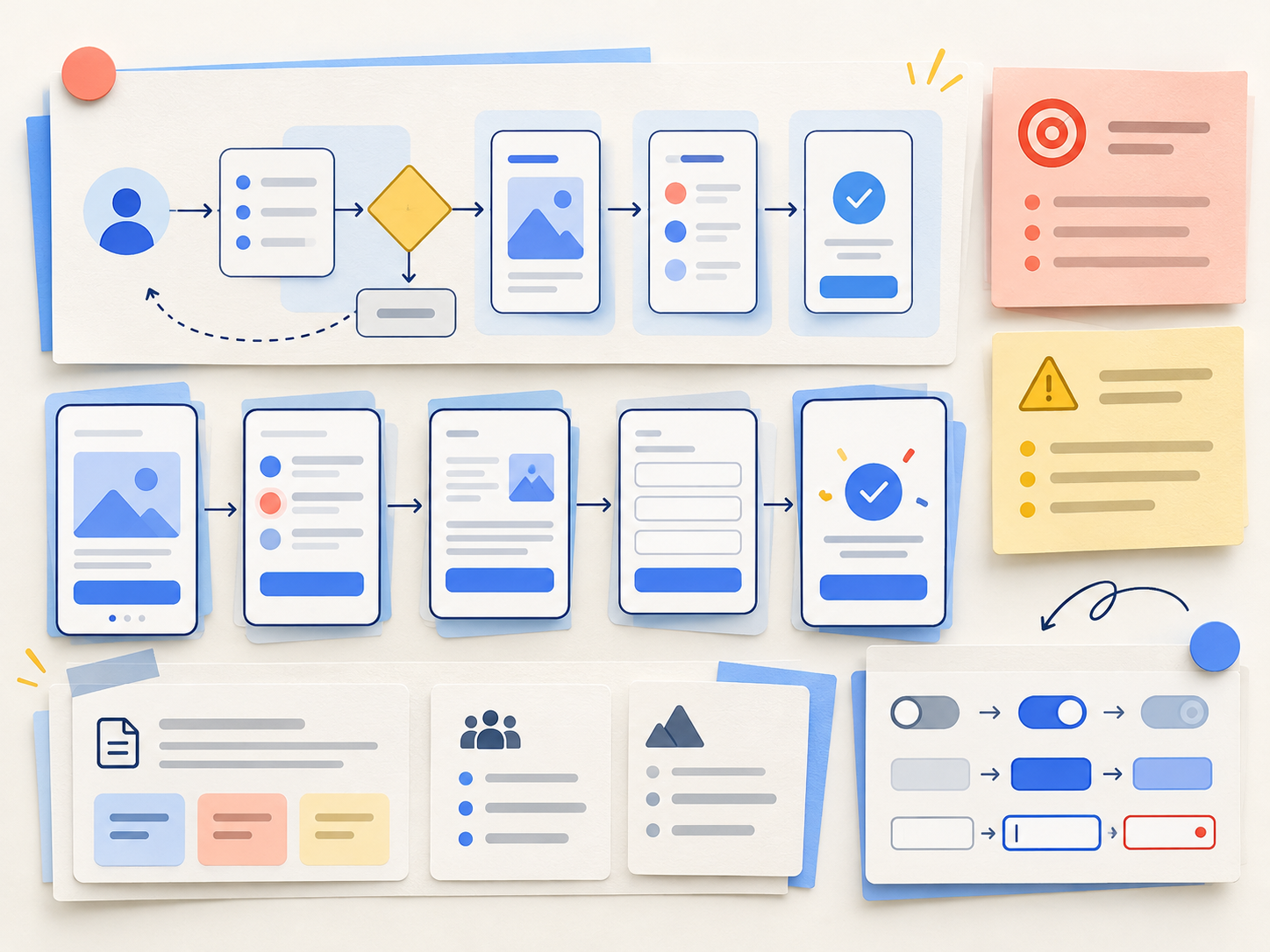
Research notes, competitor captures, interface examples, accessibility references, local files, links, and notes about why they matter.

Review outcomes, selected interaction direction, open questions, and agent results you choose to save as project records.

Flows, states, and constraints live across disconnected tools.
Keep selected task context and supporting material in one Book.
Research and UI references lose their origin or why they were useful.
Keep selected source material and notes about why it matters together.
What a review changed disappears into another thread or version.
Record the outcome, selected direction, and open questions you want to retain in the Book.
Paste from memory or hand over a broad, unfocused project.
Select only the context for this UI/UX task and review suggestions before keeping them.
Picker is an optional browser extension. Save selected web text, images, links, or AI‑chat turns to the current Book while keeping the original source attached.
Install Picker ↗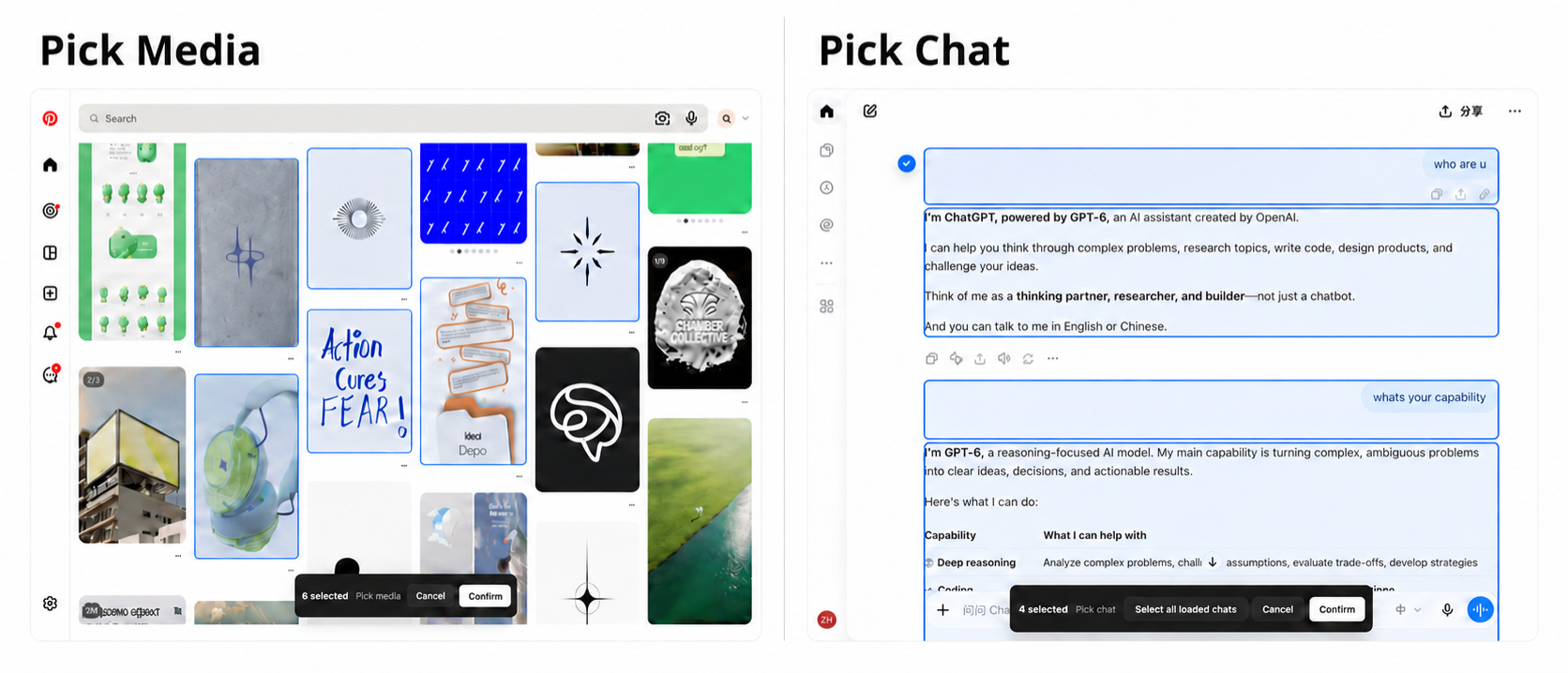
Connect lets a compatible local agent work with the Book you choose.Pack prepares your selected materials and notes for any AI tool.
Connect currently supports Codex and WorkBuddy. Agent suggestions return to your Book for review before you keep them.
 CodexWorkBuddy
Choose the sources, material, and notes for this task, then take them to your chosen AI tool yourself. A Pack never sends the whole Book automatically.
Codex Claude Code
 Figma
Figma Gemini
 DeepSeekLovable
 Copilot
 Perplexity
 Kimi
Kimi Qwen
QwenNo. Sourcebook keeps the sources, task context, and review outcomes you choose. Design, prototyping, and testing stay in the tools you choose.
No. Select only the material relevant to this UI/UX task. Pack never sends a whole Book automatically.
No. Picker is an optional browser extension for saving selected web material with its source.
Connect currently supports Codex and WorkBuddy. With other tools, Pack can still prepare the materials and notes you selected.