The Creative Materials Hub for AI
Collect references. Relay the right materials across AI tools. Keep building on the same Book.
References that travel and grow.
Build a local Book of images, drafts, notes, links, posts, and AI conversations. Pick what each task needs from the same growing collection instead of rebuilding your references in every chat.

AI video creation
For AI filmmakers and video creators
Keep references, generated clips, and creative decisions together for the next round.
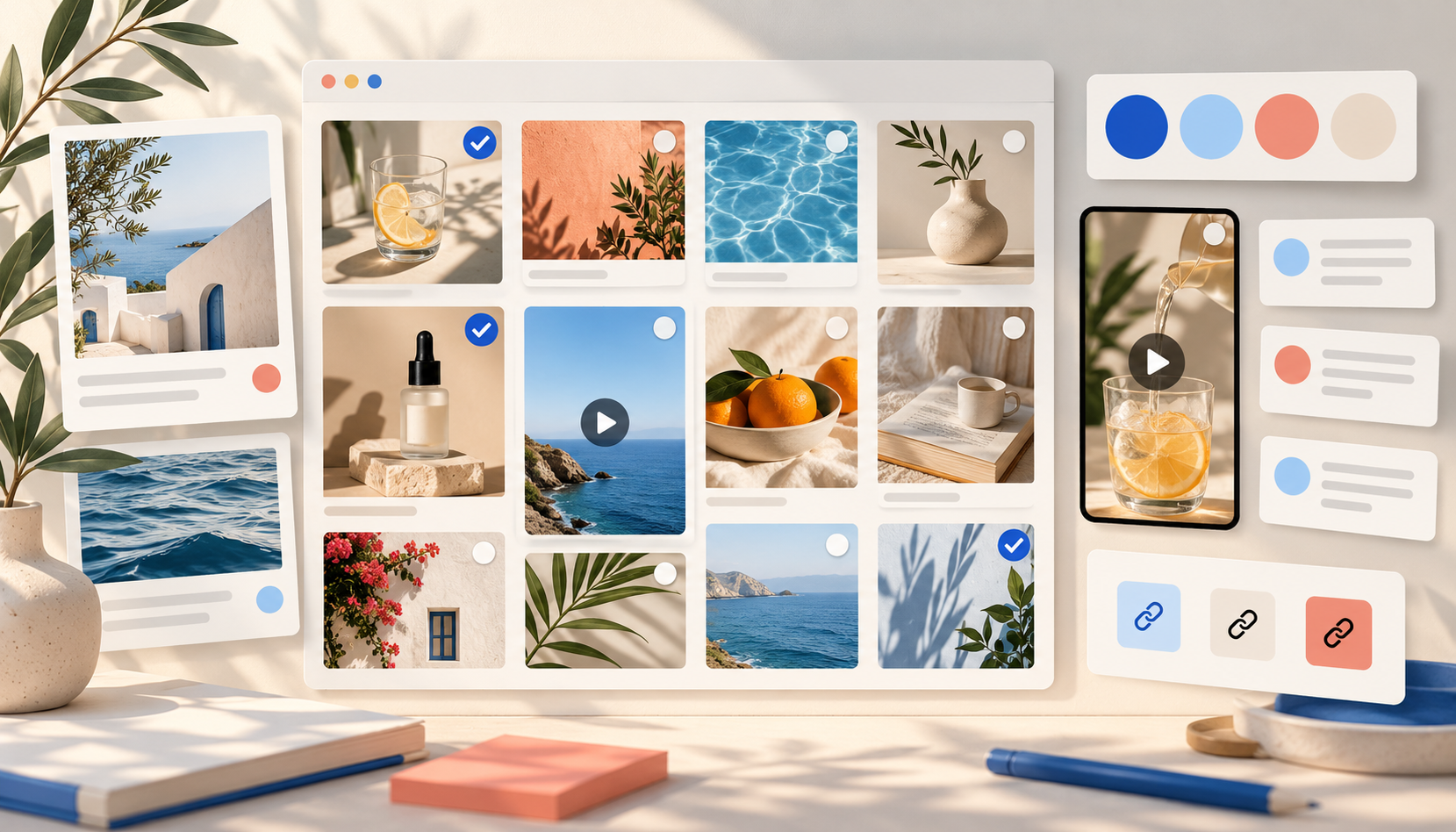
Social-media content
For content creators and social teams
Save post references, brand assets, and content ideas before you make the next post.

AI presentations
For product, marketing, and founder teams
Bring research, proof points, and visual references into your next presentation.
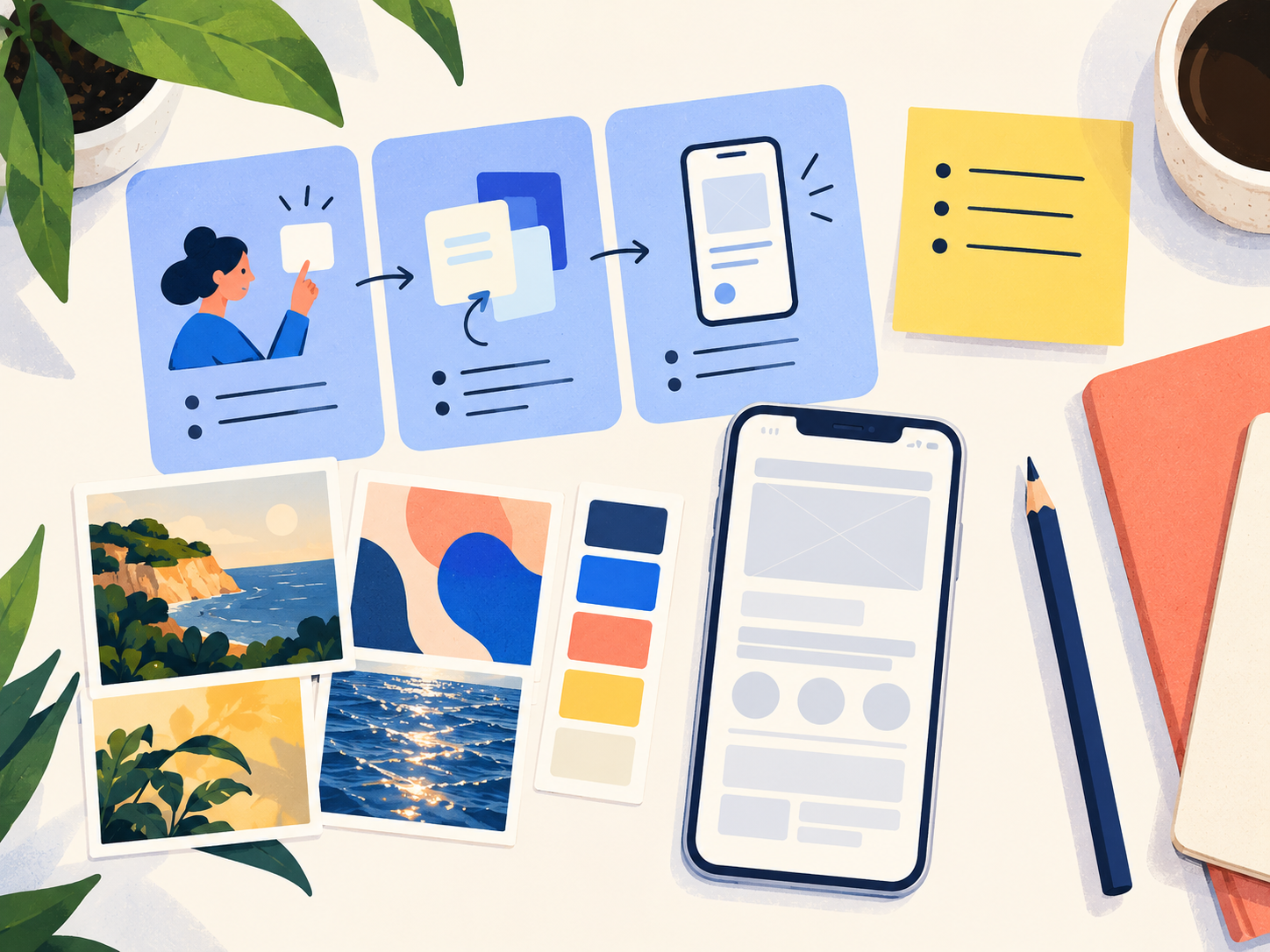
AI prototypes
For solo builders and product teams
Gather product flows, UI references, and constraints before you prompt an AI prototype.

AI websites
For web creators and marketing teams
Collect page references, brand assets, and source links before you build a website with AI.
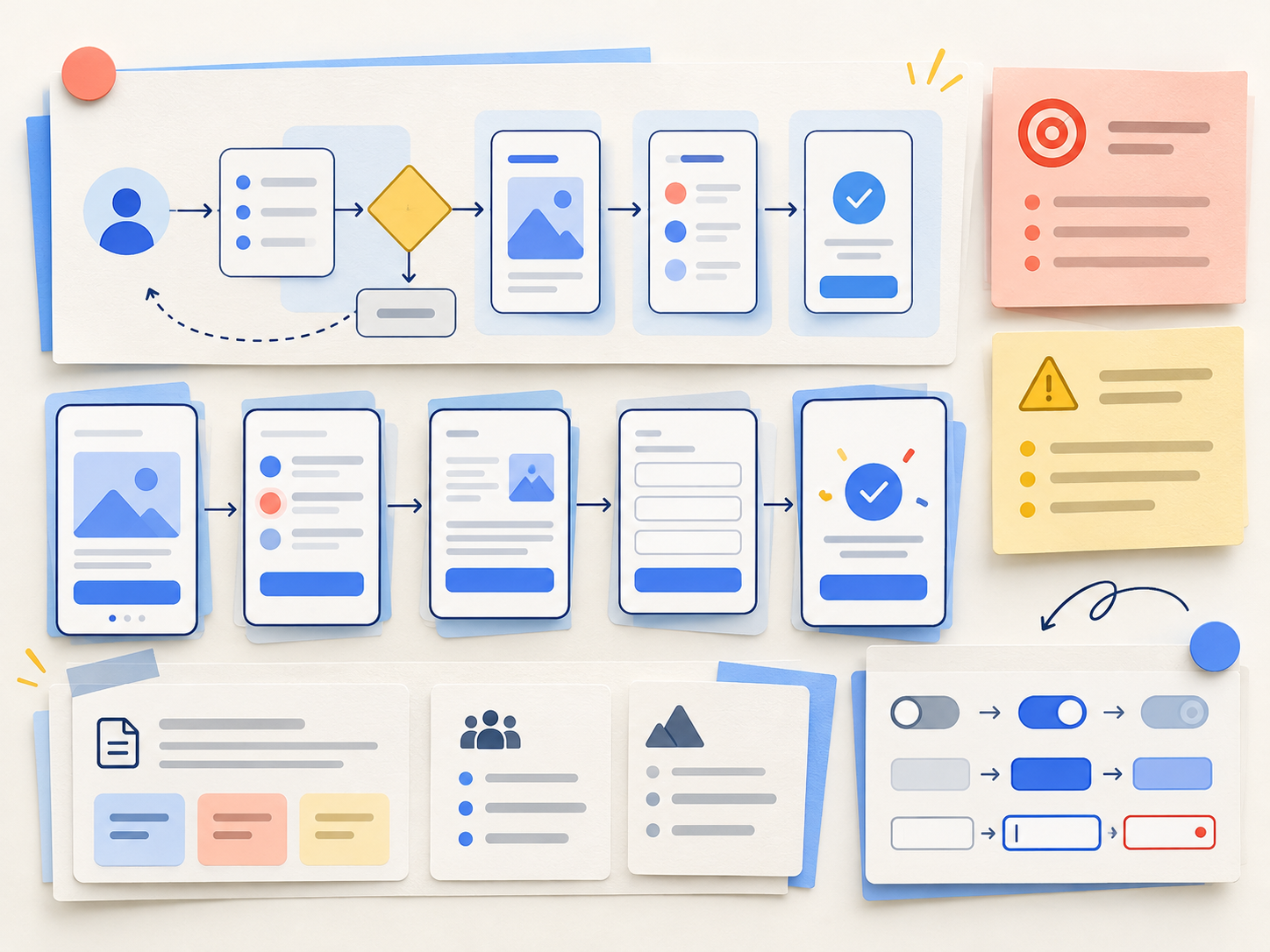
AI UI/UX work
For designers and product managers
Bring research, interaction patterns, and UI references into one design task.
Capture anything worth keeping.
Picker saves images, media, pages, supported posts, and selected AI conversation messages, with available source details. Add local files and clipboard content in Desktop.
Install Picker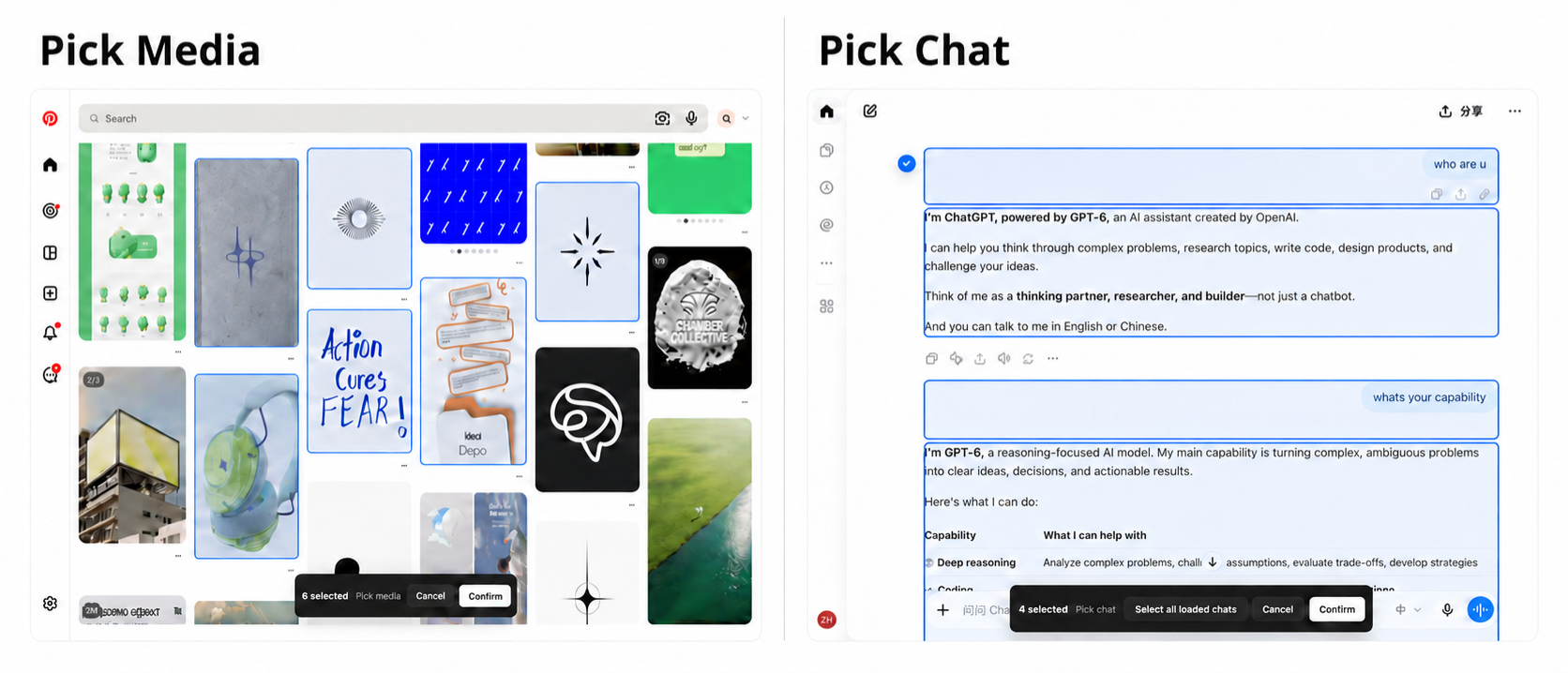
One Book. Different AI tools.
Choose references for each task. Review Agent-proposed additions or edits before they enter your Book.
Connect Codex or WorkBuddy macOS Desktop
Connect from Desktop, with no separate Agent plugin. When asked, the Agent reads the Book and the selection or filter in its connected Sourcebook page through local MCP. Proposed changes wait for your review.
 Codex
WorkBuddy
More agents coming soon
Bring materials to any AI tool
Select files or links, or make a Pack with your notes and a prompt. Copy them into the AI tool you choose; nothing is sent automatically.
Codex
 Claude Code
 Figma
 Gemini
 DeepSeek
Lovable
 Copilot
 Perplexity
 Kimi
 Qwen
Your materials stay yours.
Your Books and files stay on your computer. Export one, several, or all Books as a .sourcebook-backup archive, then restore them on this or another device. Backups include Book data and files, not Desktop settings.
GET STARTED
Start your materials hub.
- 01
Install Sourcebook Desktop
Keep temporary task references and long-term project materials together in local Books.
v0.1.5 · Apple silicon / Windows x64 - 02
Collect from your browser
Use Picker to save media, web pages, posts, and AI conversations with their sources.
Install Picker ↗ - 03
Relay to the AI tool you choose
On macOS, connect Codex or WorkBuddy directly. On either platform, copy selected materials or make a Pack for another AI tool.
Set up an agent ↗orSee how Packs work ↗